Prepare a logo for a personalized gift project
Organize artwork, colors and placement before requesting a proof, and let the chosen product guide the final decoration layout.
A good logo file is only one part of a clear decoration brief. The production team also needs to know which product it belongs on, how large it should appear and what must remain unchanged. Preparing those details together makes the first proof easier to evaluate and reduces avoidable questions.
Do not assume that the logo used on a website is the best file for a physical product. Start with the original artwork if it is available, then ask which formats the team needs for the proposed decoration method.
Collect the artwork before editing it
Keep the original design file and any approved brand references together. If you only have an image or a screenshot, say so at the start. Enlarging a small image does not recreate missing detail, and a file with a familiar extension is not automatically ready for every process.
Ask whether the artwork contains editable shapes, embedded images or live text. If a font or linked image is needed to reproduce the design correctly, agree how it will be supplied or handled. Send artwork you are authorized to use for the project, with a clear version name.
Describe the placement in measurable terms
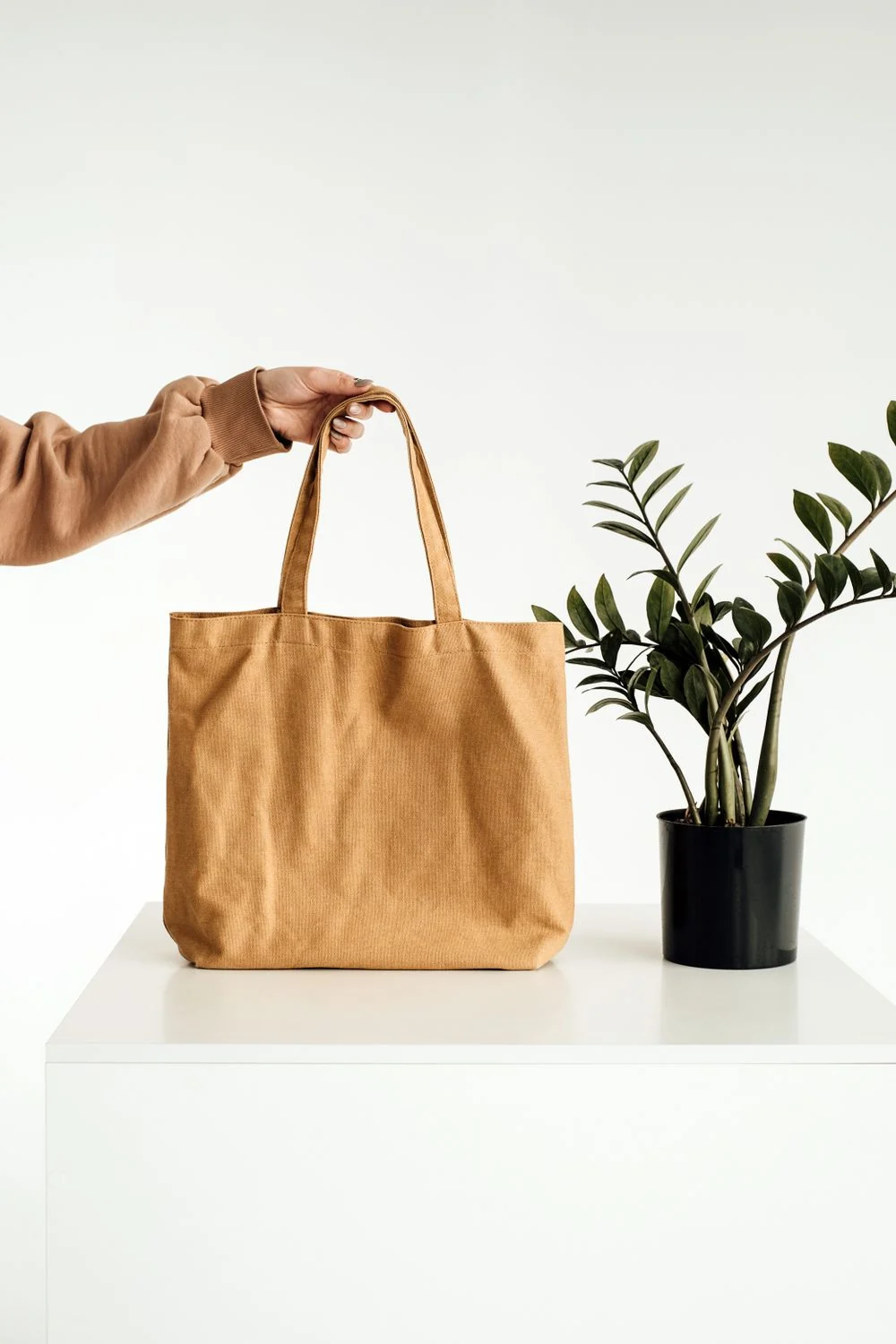
A logo centered on a tote looks different depending on its size and its distance from the top edge. Specify the preferred position and ask for the available decoration area. A mockup should show both the layout and the intended dimensions, not just a large logo floating over a product photograph.
For a fabric item, ask whether seams, handles or changes in thickness limit placement. For a curved product, ask how the decoration area is defined. These details should be checked for the selected model rather than assumed from a similar-looking item.
Separate color intent from screen appearance
Provide the brand color references you use and ask how they can be interpreted for the proposed process and material. A screen image alone is not a reliable approval of a physical color. The underlying product color and surface may also affect the result.
If a simplified one-color design is acceptable, supply or approve that version explicitly. Do not leave the team to decide which parts of a multicolor logo can be removed. Keep the original and simplified files clearly labeled so they are not confused during a later reorder.
Check the smallest details at actual size
Look at fine lines, small lettering and spaces between shapes. Ask whether those elements need adjustment for the selected decoration. Review any proposed changes as part of the proof rather than assuming a smaller copy will remain equally clear.
- Identify the exact product and its color.
- Supply the approved artwork and color references.
- State the preferred logo position and approximate size.
- Ask for process-specific artwork requirements.
- Approve any simplification before production.
Keep the final artwork, proof and written approval together. A well-organized file set gives the current project a clear reference and makes it easier to explain what should stay the same when you order again.